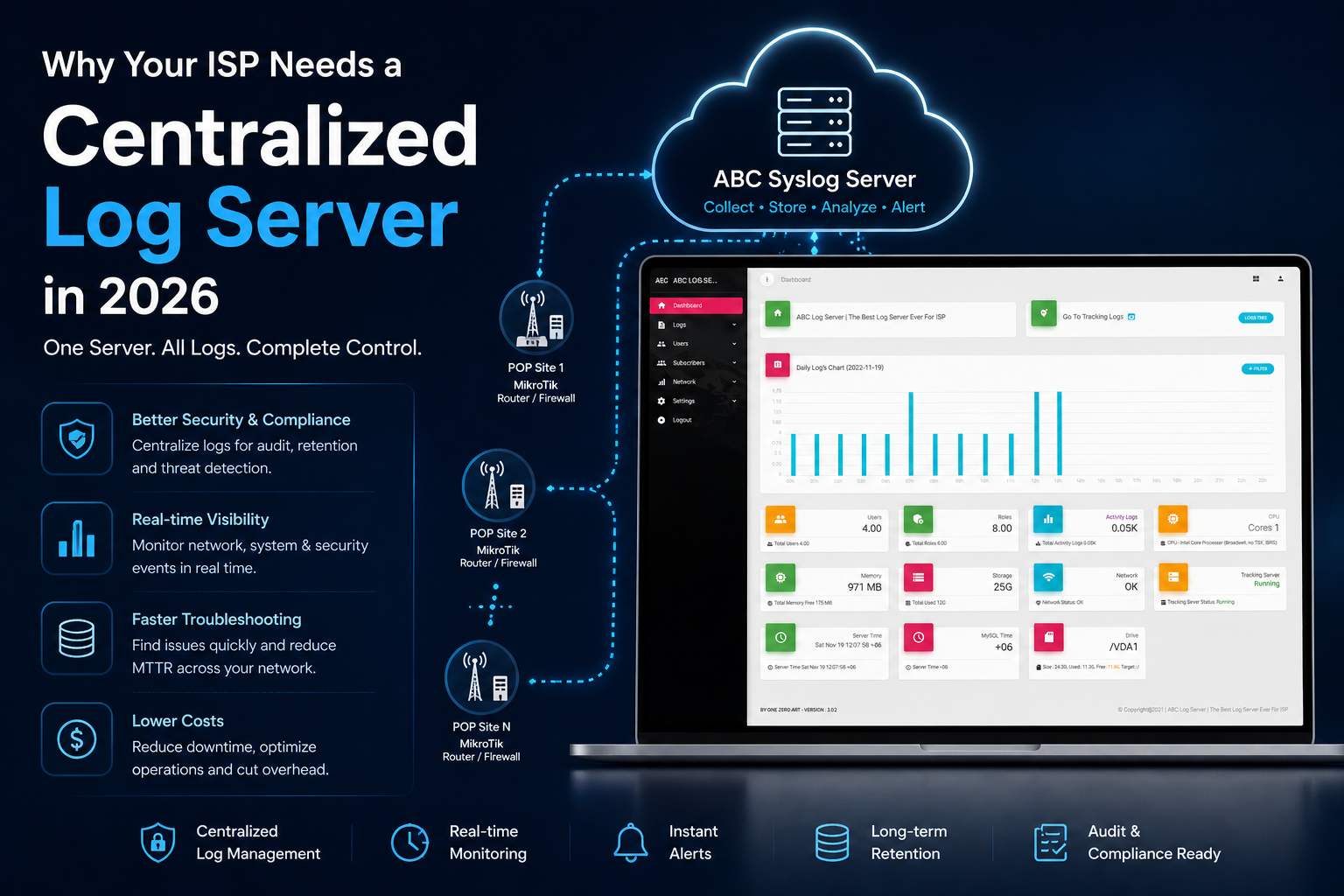
Why Your ISP Needs a Centralized Log Server in 2026
There's a conversation that happens in almost every ISP office at some point.
A subscriber calls, upset. They say their internet was down for six hours yesterday. They want a refund, or they're threatening to leave. Your support staff checks the router. There are no logs from yesterday — the buffer filled and overwrote everything. You have no record of what happened. No timestamps. No disconnect event. Nothing.
So what do you do? You either apologize and give the refund, or you tell the client you have no data to verify the claim and hope they don't escalate.
Either way, you lose.
This is the situation hundreds of ISPs operate in every single day — not because they're running bad networks, but because they have no system in place to capture and preserve what those networks are doing. In 2026, that's no longer acceptable. The networks are bigger, the clients are more demanding, and the risks are higher. A centralized log server isn't optional infrastructure anymore. It's the foundation of running a professional ISP operation.
What's Actually Happening on Your Network Right Now
Every device on your network is generating logs continuously.
Your MikroTik routers are logging firewall events, connection attempts, DHCP leases, PPPoE sessions, interface up/down events, admin logins. Your switches are logging port activity. Your servers are logging access, errors, authentication. It's a constant stream of data — thousands of entries per hour across a medium-sized ISP network.
The question is: where is that data going?
If you don't have a centralized log server, the answer is: into memory buffers that fill up and disappear. Most network devices store logs locally with limited buffer space. When the buffer is full, old entries are overwritten by new ones. On a busy router, the logs from six hours ago might already be gone.
You don't notice this most of the time. But the moment you need those logs — to investigate a complaint, to trace an incident, to answer a support ticket — they're not there.
The Five Situations Where This Actually Hurts You
1. Subscriber Disputes
This is the most common pain point. A client claims their connection was down for two days. You have no log data to confirm or deny it. You can't show them the exact connection events, the disconnect reason, the timestamps. The dispute goes unresolved and the client leaves feeling like they weren't taken seriously.
With a centralized log server, you pull up their IP address, filter by date, and have the full session history in front of you within seconds. You can show exactly when they connected, when they disconnected, and why. The conversation changes completely.
2. Security Incidents
Someone on your network was involved in suspicious activity — a flood of traffic to external IPs, repeated login attempts to remote devices, unusual port scanning behavior. By the time you find out, the logs that would tell you where it started and what devices were involved are gone.
ABC Syslog Server captures logs from routers, firewalls, and NAS devices in real time, meaning security events are preserved from the moment they happen. You have a complete trail — source IPs, destination IPs, ports, timestamps — to investigate what actually occurred. onezeroart
3. Device Failures and Network Outages
A core router rebooted itself at 2am. By morning, the logs from before the reboot don't exist. You have no idea what caused it — was it a power spike, a memory overflow, a config issue, an attack? You're guessing. And you'll keep guessing until it happens again.
A centralized log server receives logs from the device continuously, in real time, as they're generated. When the router rebooted, the logs that existed up to that moment are already safely stored on your server. The pre-crash data is there when you need it.
4. Staff and Admin Accountability
Someone changed a configuration on a router and now something isn't working. Who made the change? When? What exactly did they do? Without an activity log, you're asking people to self-report — which isn't a reliable audit system.
ABC Syslog's Activity Logs track everything done inside the admin panel — every login, every change, with timestamps attached. You know exactly who did what and when, without having to ask. onezeroart
5. Compliance and Legal Requirements
Regulatory bodies in many countries require ISPs to maintain subscriber activity logs for a defined period. If you can't produce those records when asked, you're in violation — regardless of whether you're a small local ISP or a large regional operator. The requirement doesn't scale with your business size.
ABC Syslog is built to support compliance with standards like ISO, PCI-DSS, and GDPR through accurate, auditable log records that can be accessed and exported when needed. onezeroart
Why "We'll Check When Something Goes Wrong" Doesn't Work
A lot of ISP operators fall into the habit of reactive logging — they'll look at logs when there's a problem. The issue with this approach is that by the time you're looking, the logs you need are often already gone.
Logging only works as a diagnostic tool if the data was captured before the problem occurred. You can't retroactively collect logs from a device. You can't recover a buffer that was overwritten three hours ago. The only way logging is useful in a crisis is if you've been collecting it continuously all along.
This is the fundamental reason a centralized log server has to be set up before you need it — not after.
What a Centralized Log Server Actually Changes
When you have ABC Syslog Server running and connected to your MikroTik routers and other network devices, a few things shift in how your operation works.
Troubleshooting becomes faster. Instead of SSH-ing into each router individually to check its local log, you open one dashboard. Filter by source IP, destination IP, port, or time window — the data from every connected device is in one place, searchable in seconds. onezeroart
Subscriber management becomes more accurate. With subscriber records linked to their usernames and MAC addresses in the system, you can pull all log activity associated with a specific client by name. Not just by IP — by the actual subscriber record. onezeroart
Your team has accountability. Every action taken inside the ABC Syslog panel is logged in Activity Logs. When you have multiple staff members managing your network, this creates the kind of audit trail that professional operations require.
Storage scales with your growth. ABC Syslog stores log data directly on your server's file system — not in a database. This means it handles high log volumes without the performance degradation that database-based logging systems run into. As your subscriber base grows, your logging infrastructure grows with it.
You can receive alerts before clients call. ABC Syslog supports automated alerts for critical events and unusual network behavior via Email and SMS. When something goes wrong at 2am, you find out before your phone starts ringing with client complaints. onezeroart
This Isn't Just for Large ISPs
There's a common assumption that centralized logging is something enterprise networks need — that a small ISP with 200–300 subscribers doesn't have to worry about it.
That assumption is wrong, and it's an expensive one to hold.
Small ISPs actually have less margin for error. A large operator can absorb a subscriber dispute or a failed investigation. A small ISP losing three or four clients over unresolved complaints — or facing a compliance issue — feels it much more directly. The infrastructure requirements are lower, but the need for visibility is just as real.
ABC Syslog Server is built with this in mind. It's not a complex enterprise platform that requires a dedicated IT team to manage. The interface is web-based, with visual dashboards, drill-down capabilities, and straightforward configuration of log sources. Setup is handled by the Onezeroart support team. Once it's running, your team manages it through a clean admin panel without needing deep technical expertise. onezeroart
The Cost of Not Having It
Put it this way.
One unresolved subscriber dispute that ends in a refund and a lost client costs you more than a month of log storage. One security incident you can't investigate because the logs are gone can cost you significantly more — in downtime, in client trust, and potentially in regulatory consequences.
The question isn't whether a centralized log server is worth the investment. The question is how long you can afford to keep running without one.
Where to Start
If you're running MikroTik routers — which most ISPs in this region are — the integration with ABC Syslog Server is straightforward. Add your routers as NAS devices in the dashboard, configure the firewall and logging rules on each MikroTik, and within minutes your logs are flowing into a single, searchable, permanent store.
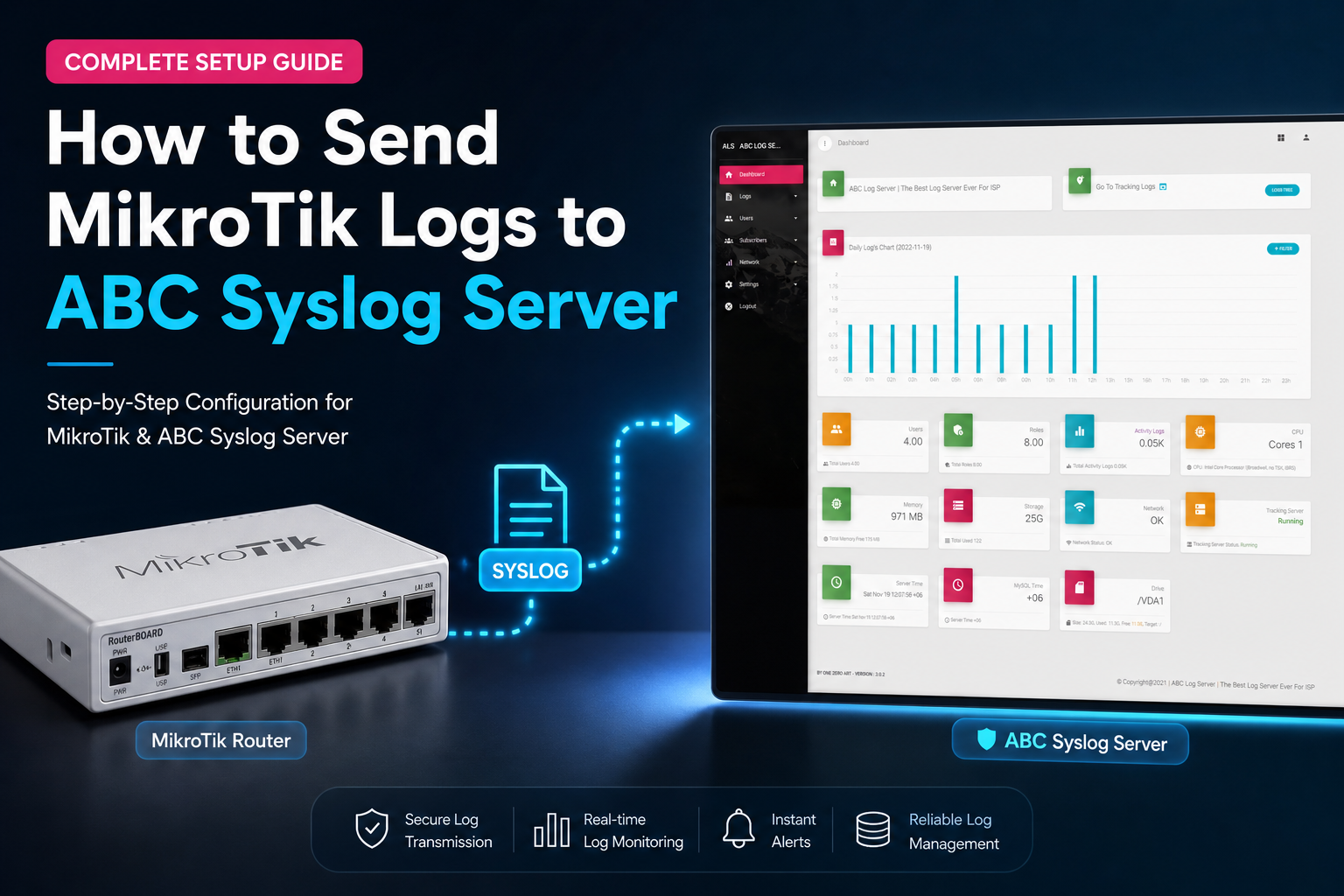
The full setup guide is here: How to Send MikroTik Logs to ABC Syslog Server →
If you want to understand the full feature set before deciding, the documentation is at docs.onezeroart.com/abc/introduction.html, and the support team is reachable on WhatsApp at +880 1836 216648 or Skype at onezeroart.
Running a professional ISP in 2026 means having answers when things go wrong. A centralized log server is how you make sure you always do.
Published by the Onezeroart LLC Team | Log Management & Syslog Category © 2026 Onezeroart LLC. All rights reserved.